
Packs and purchases
Overview
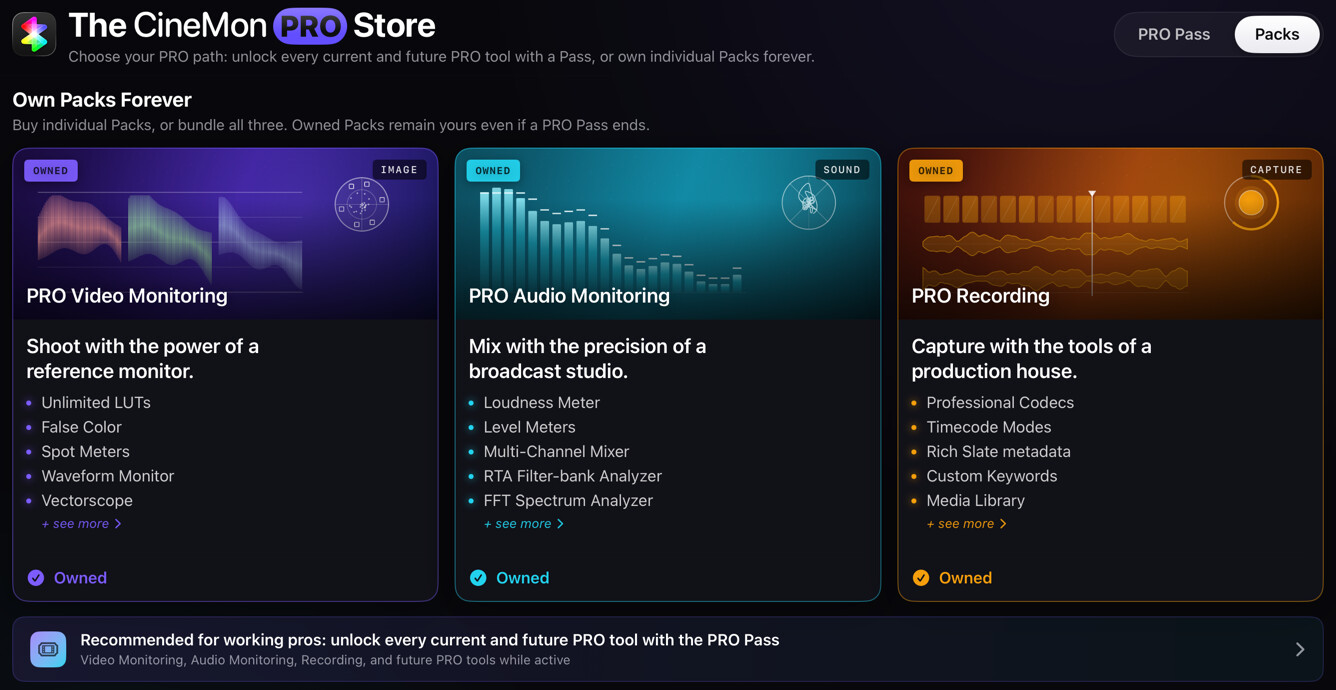
CineMon is free to download. The core tools listed below are always available without a purchase. Advanced video analysis, audio scopes, and recording features require a one-time Pack purchase or a CineMon PRO Pass subscription.
Purchase features in the app. Selecting a locked feature opens the Store.
What is free
These tools are always available:
| Category | Free Tools |
|---|---|
| Video Tools | Composition Guides, Center Mark, Safe Area, Framing |
| Video Scopes | Histogram |
| Audio Scopes | Levels (peak bars, scale, and readouts) |
Packs and the PRO Pass
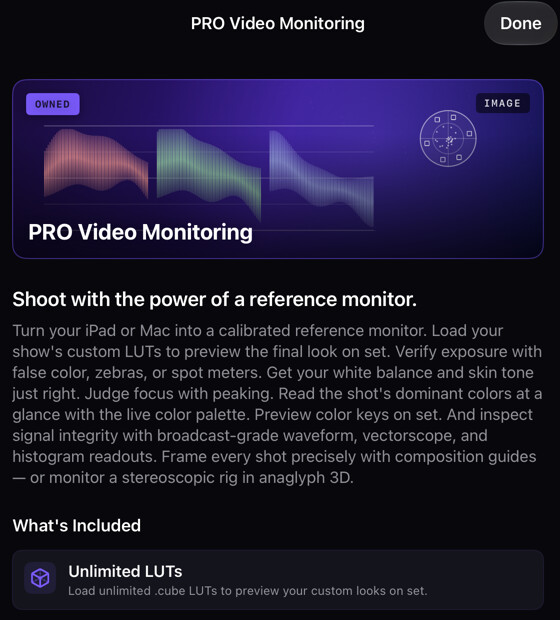
PRO Video Monitoring Pack
Includes these video tools and scopes:
- Video Tools: Orientation, Anamorphic Desqueeze, Color Keyer, Focus Peaking, Zebras, Image Adjust, Display LUT, Exposure, False Color, Spot Meter, Color Palette, 3D Preview
- Video Scopes: Waveform Monitor, Vectorscope
- View Types: Color Channels (R / G / B / A)
- Snapshot (still capture) and Reference Mode (the Compare feature)
- Organizers: Input Profiles, LUTs, Gradients, Presets
The Presets organizer is available with the PRO Video Monitoring Pack, the PRO Audio Monitoring Pack, or the PRO Pass. It is not included with the PRO Recording Pack alone, because presets save video and audio tool state.
PRO Audio Monitoring Pack
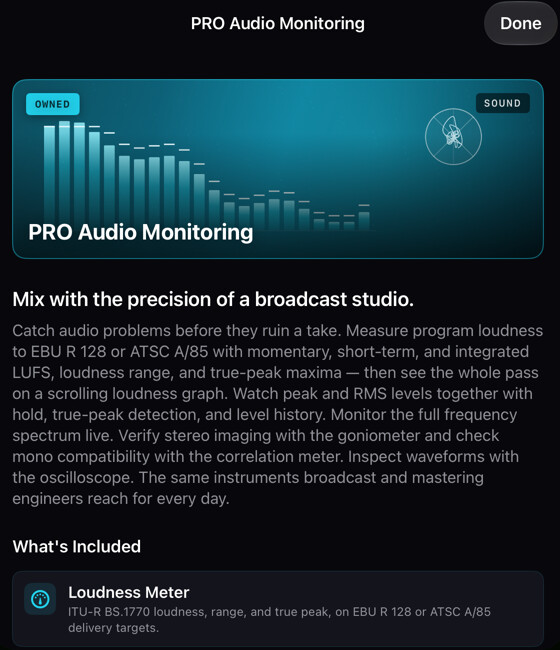
Unlocks the audio mixer and the advanced audio analysis scopes:
- Audio Mixer
- Loudness meter (LUFS metering to BS.1770, with delivery profiles and session history)
- Levels: the RMS bars and the level history graph (the basic peak meter is free)
- Band Spectrum analyzer
- FFT Spectrum analyzer
- Oscilloscope
- Goniometer
The Presets organizer is also available once either the PRO Audio Monitoring Pack or the PRO Video Monitoring Pack is active.
PRO Recording Pack
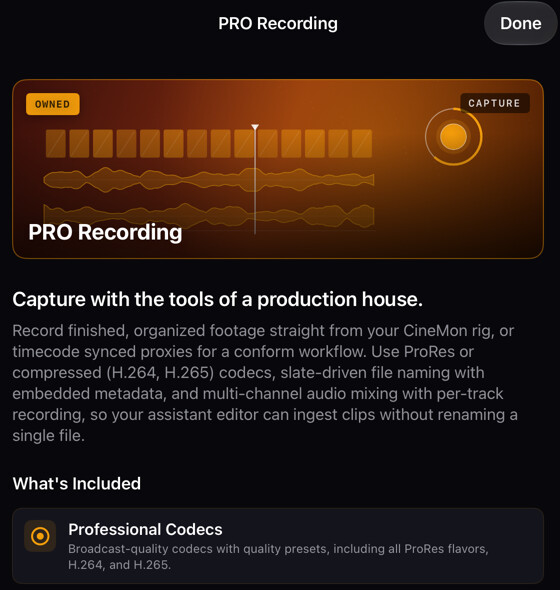
Includes recording and slate management:
- Recording Tools: Slate, Record
- Organizers: Slates, Libraries
Bundles
Bundles combine one-time Pack purchases:
- Audio + Recording Upgrade includes the PRO Audio Monitoring Pack and the PRO Recording Pack.
- PRO Video+Audio+Recording Bundle includes all three Packs.
Check the Store for current prices and compare them with the Packs you already own.
CineMon PRO Pass
The CineMon PRO Pass subscription includes every PRO tool. It is available with two billing options:
- Monthly: billed each month, cancel any time.
- Yearly: billed once a year. Check the Store for current pricing.
The subscription includes video, audio, and recording tools, plus future PRO features while the subscription is active.

Feature summary
The table below lists access by feature group. A bundle includes the features in the Packs it contains.
| Feature | Free | PRO Video Pack | PRO Audio Pack | PRO Recording Pack | PRO Pass |
|---|---|---|---|---|---|
| Composition Guides, Center Mark, Safe Area, Framing | ✓ | ✓ | ✓ | ✓ | ✓ |
| Histogram | ✓ | ✓ | ✓ | ✓ | ✓ |
| Levels meter (peak bars, scale, readouts) | ✓ | ✓ | ✓ | ✓ | ✓ |
| Advanced video tools (Orientation, Desqueeze, Color Keyer, Focus Peaking, Zebras, Image Adjust, LUT, Exposure, False Color, Spot Meter, Color Palette, 3D Preview) | ✓ | ✓ | |||
| Waveform Monitor, Vectorscope | ✓ | ✓ | |||
| Color Channels (R/G/B/A) | ✓ | ✓ | |||
| Snapshot | ✓ | ✓ | |||
| Reference Mode (Compare) | ✓ | ✓ | |||
| Input Profiles organizer, LUTs organizer, Gradients organizer | ✓ | ✓ | |||
| Presets organizer | ✓ | ✓ | ✓ | ||
| Audio Mixer | ✓ | ✓ | |||
| Loudness meter; Levels RMS bars and history graph | ✓ | ✓ | |||
| Advanced audio scopes (Band Spectrum analyzer, FFT Spectrum analyzer, Oscilloscope, Goniometer) | ✓ | ✓ | |||
| Slate, Record | ✓ | ✓ | |||
| Slates organizer, Libraries organizer | ✓ | ✓ |
Purchasing and restoring
All purchases go through Apple’s App Store and are managed by your Apple ID.
- Open the Store tab inside CineMon, or select any locked tool to go directly to the relevant product.
- Select the Pack, bundle, or PRO Pass you want and complete the purchase through the standard App Store flow.
- If you have already purchased a Pack or subscribed and need to restore access on a new device, select Restore Purchases in the Store tab.
Packs are one-time purchases and do not expire. The PRO Pass remains active as long as your subscription is current. Cancelling a PRO Pass subscription removes access to PRO-only tools at the end of the current billing period, but any one-time Pack purchases you also own remain active.
Choosing a purchase
Choose a Pack for the tools you need, a bundle for multiple Packs, or a PRO Pass for subscription access to all PRO features. Selecting a locked tool opens the Store at the relevant product so you can review its contents and price.