
Monitoring
Monitoring
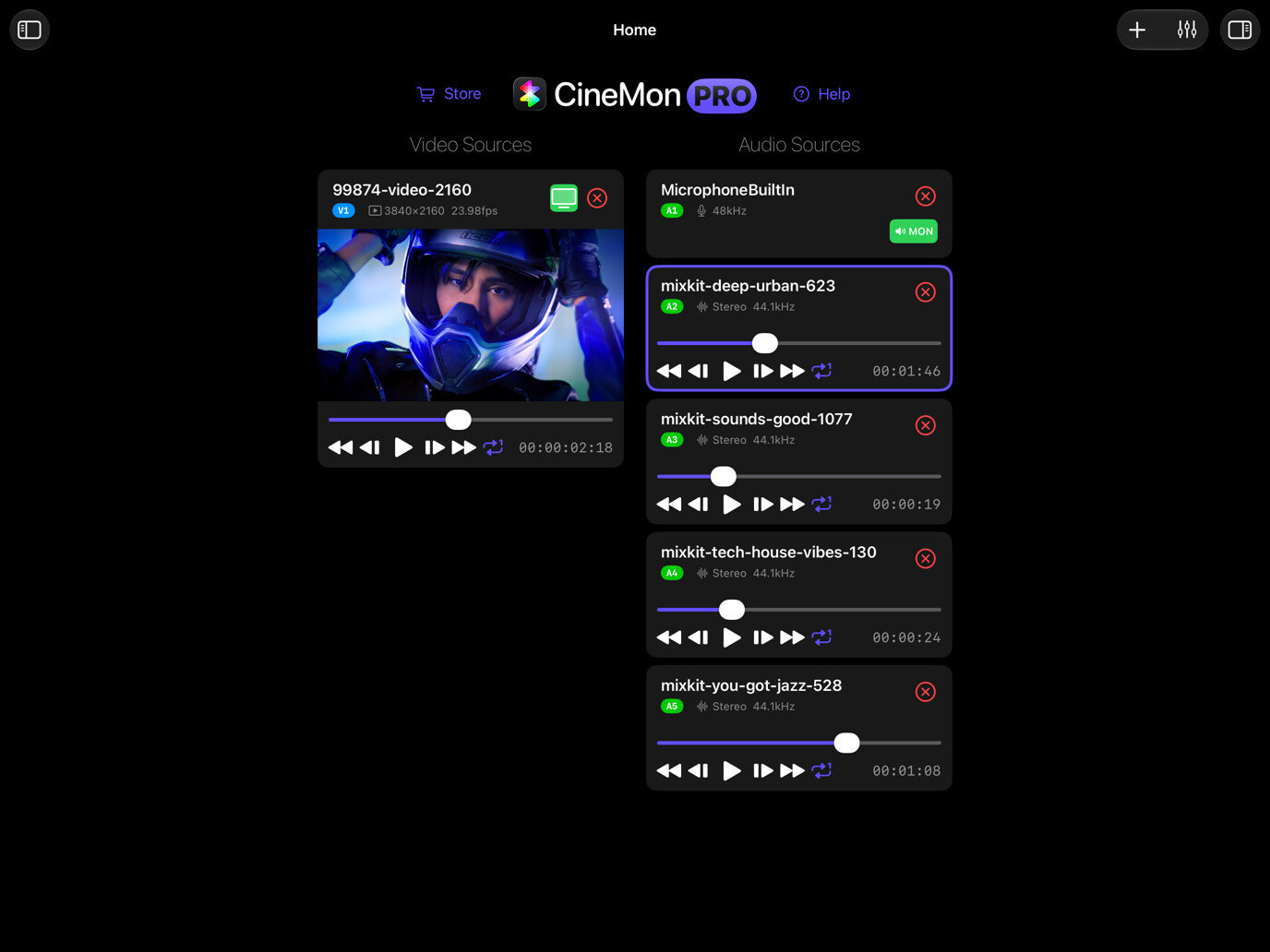
Choose video or audio to connect sources, adjust what you see or hear, and read the relevant scopes. Shared scope settings apply across both workflows.
In this section
- Video monitoring: Connect video sources, control playback and layouts, and check focus, exposure, and color.
- Audio monitoring: Monitor and mix audio from cameras, interfaces, and media files.
- Scope settings: Choose the measurement point, sampling, meter scale, and appearance used across scopes.