
Oscilloscope
The Oscilloscope draws the audio waveform over time, including amplitude changes, transients, and gaps. Use it to spot clipping, asymmetry, or unexpected DC offset.
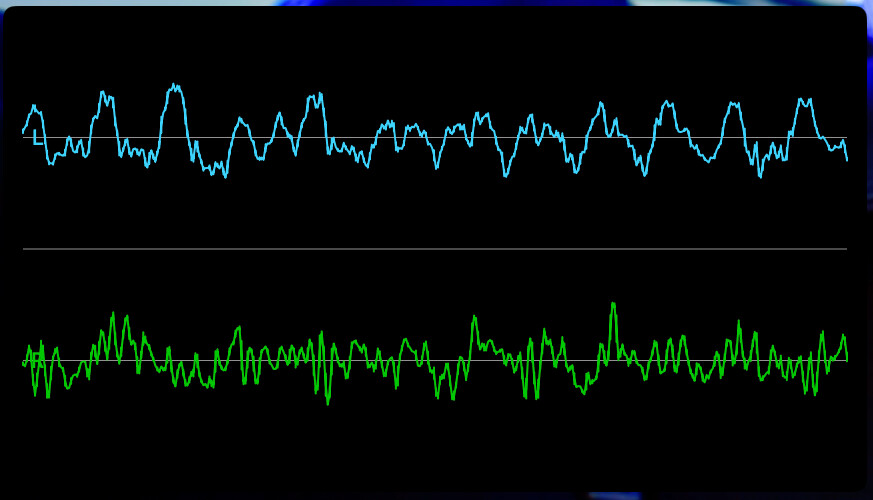
When the input falls silent, the trace settles to a flat line instead of holding the last waveform.
You can show or hide the amplitude labels on the display.
Basic use
Open Scopes in the status toolbar and select Oscilloscope. If the menu is hidden in a narrow window, open More Controls (…).
Use the scope’s settings button to adjust the options described below.
- Play or monitor the source and inspect the waveform for sudden changes or a flattened shape.
- Turn on Labels when you need amplitude references.
Options
| Setting | Options | Description |
|---|---|---|
| Labels | On / Off | Show the amplitude labels on the display. |
The Oscilloscope is available with the CineMon PRO Audio Monitoring Pack or a CineMon PRO Pass subscription.