
Video monitoring
Monitor a live camera or media file, then choose the viewing tools and measurements you need for the shot.
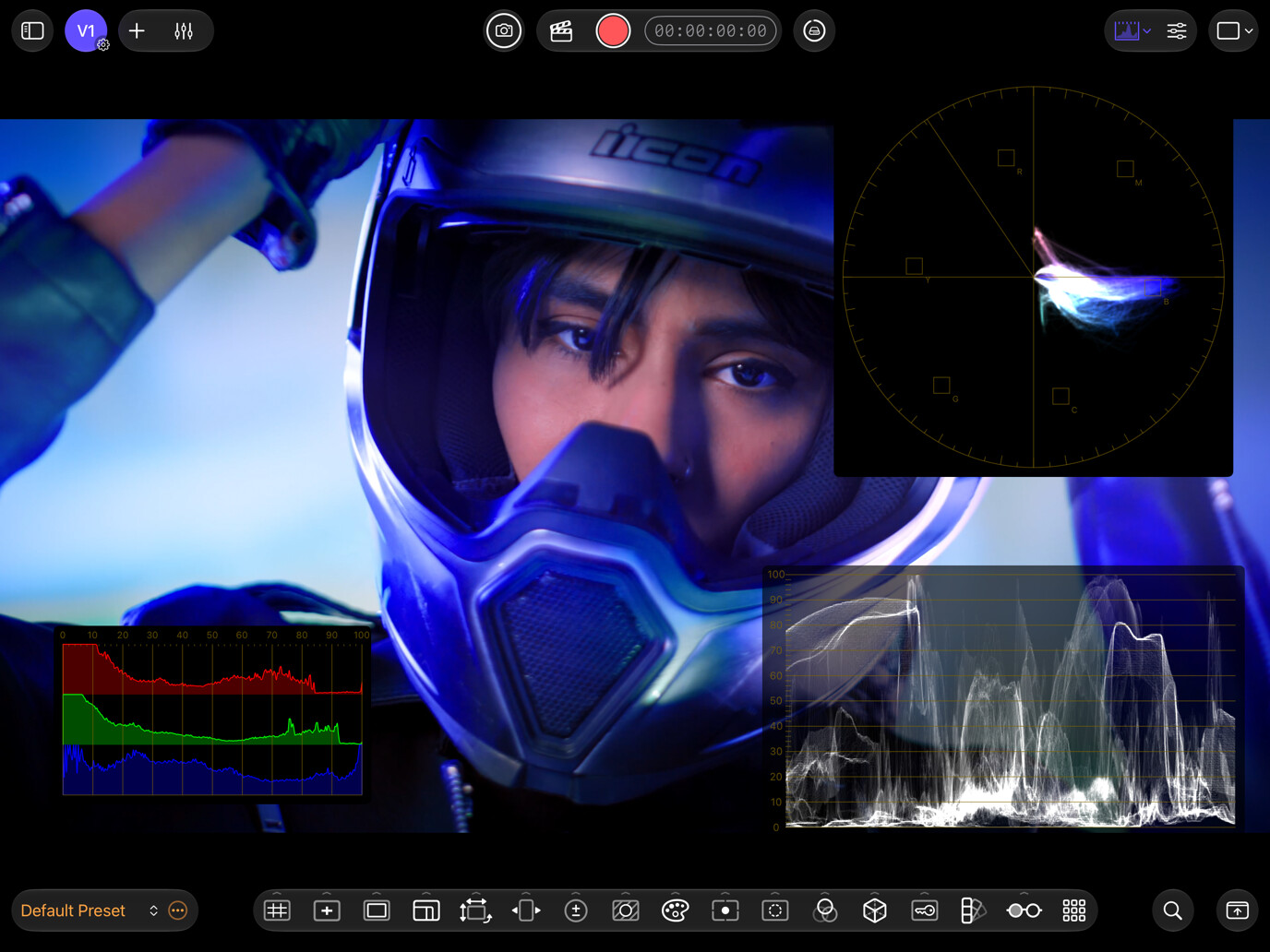
In this section
- Video sources and devices: Connect cameras, capture devices, and media files, and manage video source slots.
- Video playback: Review media with playback controls, frame stepping, shuttle speeds, and embedded timecode.
- Layouts and compare: Arrange monitor panels and compare two video sources using Wipe, Side by Side, Top / Bottom, or Overlay.
- Video assist tools: Choose video assist tools for composition, focus, exposure, color, and stereo monitoring.
- Video scopes: Choose a histogram, waveform monitor, or vectorscope to evaluate the picture.
- Color management: Match input gamma and gamut, apply a color space transform, and choose how tools read the signal.
Start monitoring video
- On Home, choose Add Source → Camera or Media File and add the device or file.
- Select Monitor on its source card to display the picture. For a file, select Play on the transport bar.
- Select a tool in the Assist Toolbar, or open Scopes → Histogram to check the signal. Composition grid guides and the Histogram are free.
See Getting started for a complete first session. To configure audio paired with a video source, see Audio monitoring.