
Video scopes
Use Video Scopes to measure exposure, color balance, and signal legality in the monitored picture. For the audio side, see the Audio Scopes.
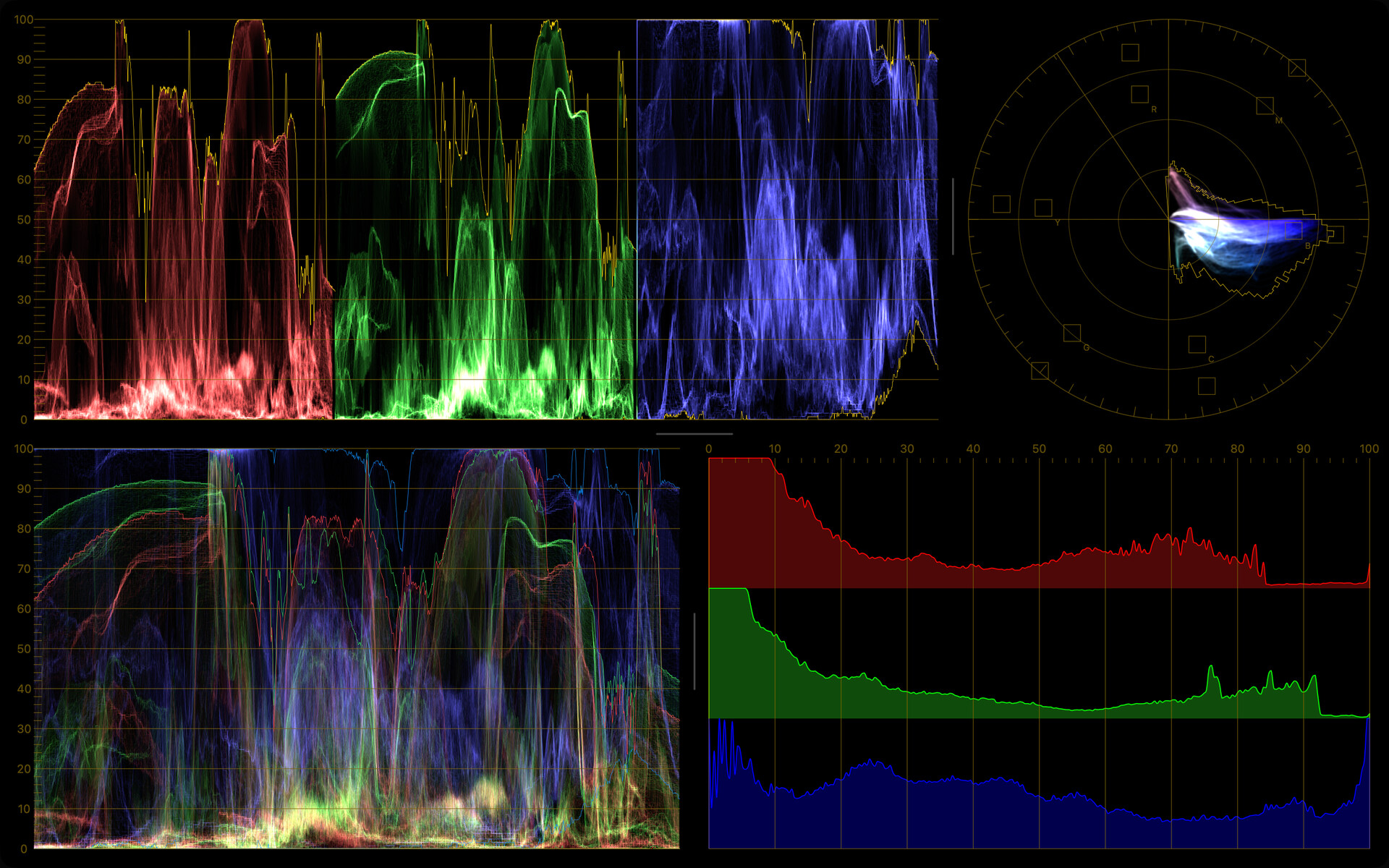
In this section
- Histogram: Read the distribution of brightness and color channels in the image.
- Waveform Monitor: Check brightness and color levels across the width of the image.
- Vectorscope: Evaluate hue, saturation, and color balance with a vectorscope.
Feature access
The Histogram is always free. The Waveform Monitor and Vectorscope are available with the CineMon PRO Video Monitoring Pack or a CineMon PRO Pass subscription.
Crop to Zoomed Image
When you zoom into the monitor, you can choose whether the scopes measure the whole source image or only the part you currently see. Turn on Crop to Zoomed Image in the Scope Settings popover to analyze just the visible region, which is useful for checking exposure or color in a specific area of the frame.
Like the audio scopes, you can assign a video scope to a Specialized Monitor or open it as a Floating Window.