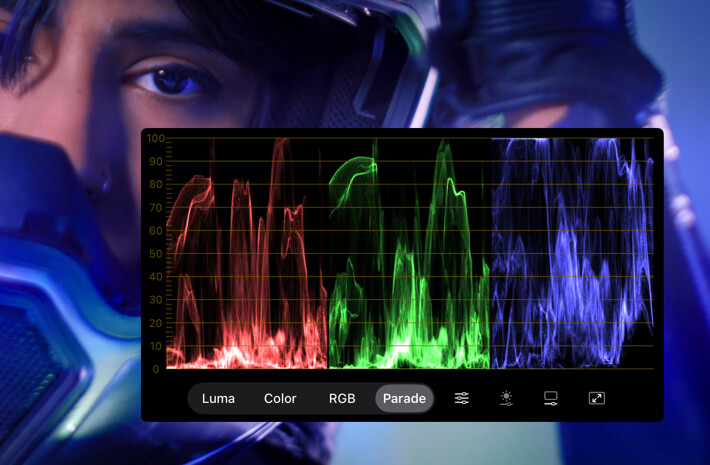
Waveform Monitor
The Waveform Monitor shows brightness levels across the width of the image. A trace’s horizontal position corresponds to its position in the picture, and its height shows the signal level: shadows toward the bottom and highlights toward the top. Brighter parts of the trace indicate more pixels at that level.
Available with the CineMon PRO Video Monitoring Pack or a CineMon PRO Pass subscription.
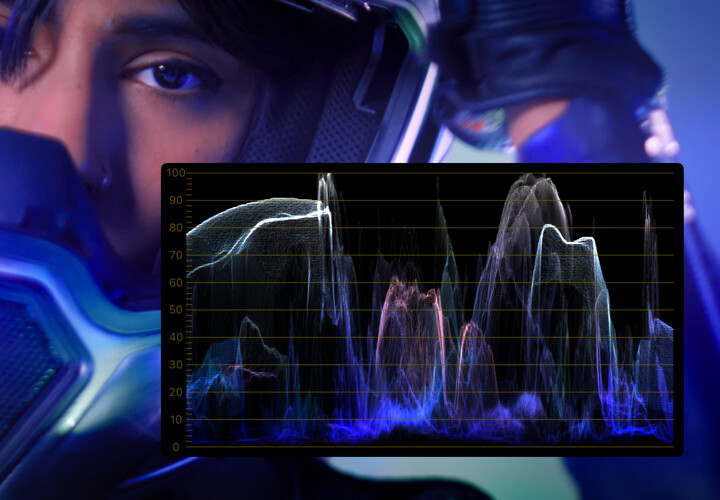
There are four display modes: Luma, Color, RGB, and Parade. You can toggle the display of the signal’s envelope extents and adjust the trace brightness, in addition to the size and display controls of the floating window.
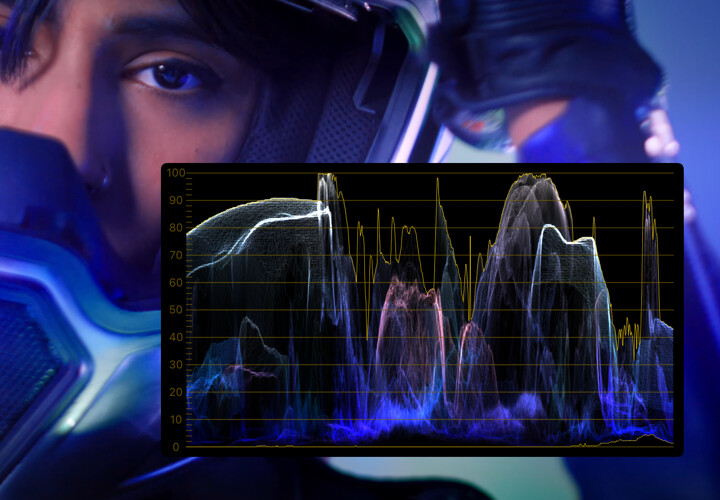
Unlike the Histogram, the Waveform Monitor retains horizontal position, so you can locate bright or dark areas across the picture.
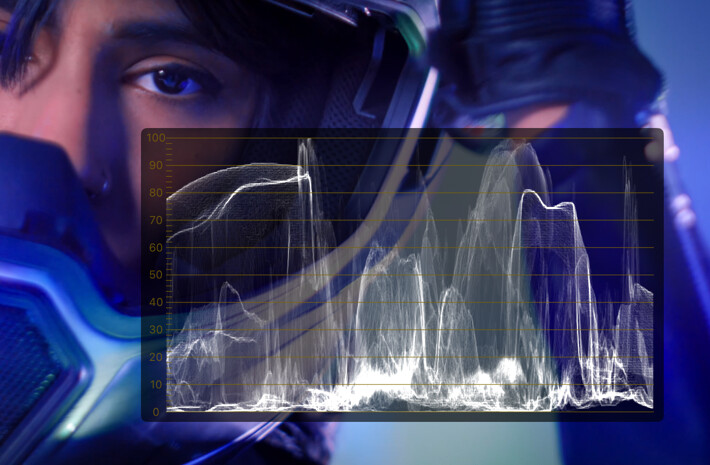
If you’re new to Waveform Monitors, try making it full screen and lowering the opacity of the floating window background to see the scope overlaid on the input image. This can help visualize the relationship between the original image and the scope trace.
Basic use
Open Scopes in the status toolbar and select Waveform Monitor. If the menu is hidden in a narrow window, open More Controls (…).
Double-tap the floating scope on iPad or double-click it on Mac to open its options. Choose a display mode, then adjust trace brightness or gain so the trace is easy to read.
- Choose Luma to check exposure across the image, or Parade to compare the color channels.
- Use the horizontal position of the trace to locate the corresponding area in the picture.
Options
| Setting | Options | Description |
|---|---|---|
| Display Mode | Luma/Color/RGB/Parade | Select the waveform display mode. |
| Scope Settings | Graticule Color | Customize the color of the graticule. |
| Extents | Show an envelope of the min/max luma values that might otherwise be difficult to see on the trace. | |
| Trace Brightness | Slider | Configures the brightness of the waveform trace. |
| Window Settings | Size | Adjust the size of the floating window. |
| Opacity | Change the transparency of the floating window background. | |
| Full Screen | - | Make the floating scope full screen. |
Parade can help with white balance: wherever the three waveforms are aligned the color will be neutral.