
Orientation
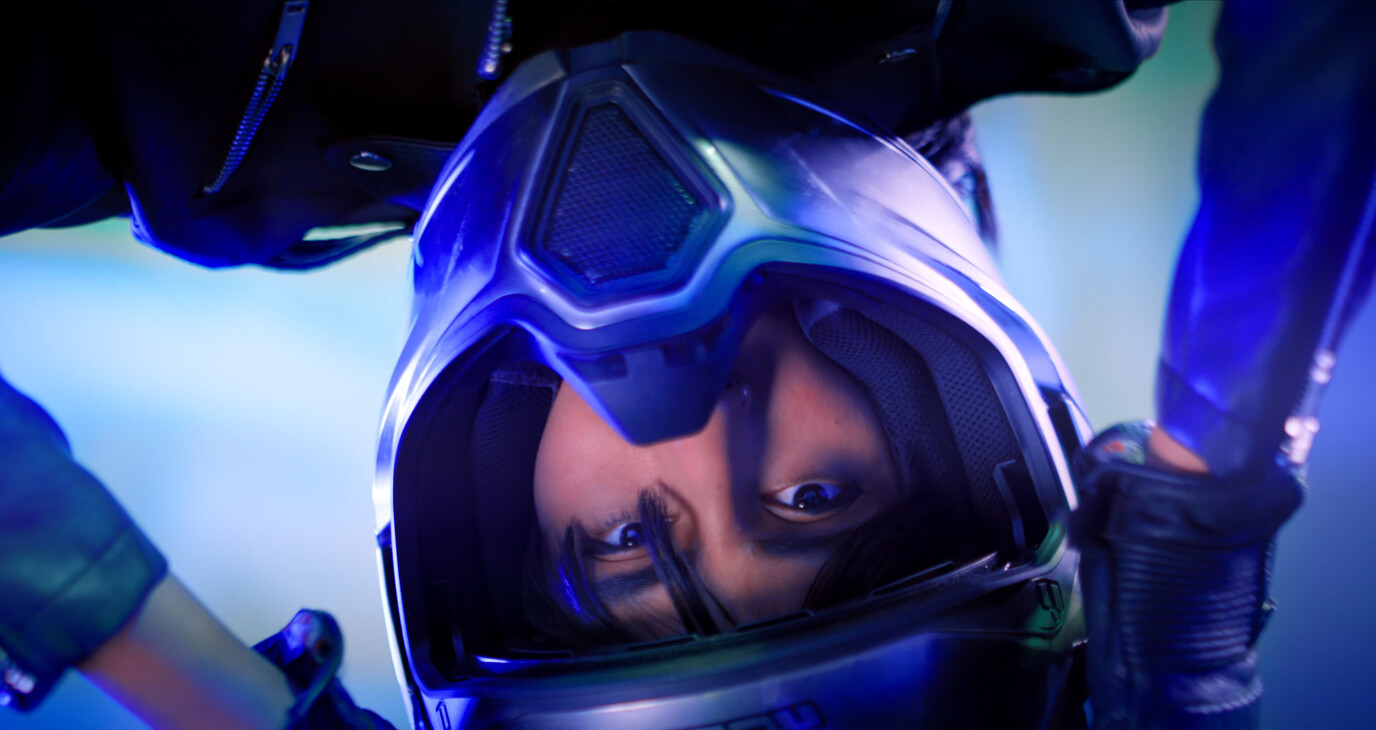
Orientation flips the image horizontally or vertically, or rotates it 90 degrees clockwise or counterclockwise. Use it for a camera mounted upside down or sideways, or when filming through a mirror.
Available with the CineMon PRO Video Monitoring Pack or a CineMon PRO Pass subscription.
Basic use
Long-press the Orientation button in the Assist Toolbar to open or close its options drawer. On Mac, you can also select the chevron beside the button. Select the tool button to turn the effect on or off.
- Choose Flip Vertical or Flip Horizontal to correct a mirrored or inverted image.
- For a sideways camera, turn on Rotate 90° and choose the rotation direction.
Options

| Option | Values | Default | Description |
|---|---|---|---|
| Flip Vertical | On/Off | On | Flips the image vertically. |
| Flip Horizontal | On/Off | Off | Flips the image horizontally. |
| Rotate 90° | On/Off | Off | Rotates the image 90 degrees. |
| Rotation Direction | Left/Right | Left | Determines if the image is rotated left (counterclockwise) or right (clockwise). |