
Recording & media
Recording & media
Choose what to capture, prepare the take, then review and organize the result.
In this section
- Recording and capture: Save snapshots and video clips, choose capture formats, and review recording issues.
- Using slates: Set production metadata and recording overrides for the active slate.
- Timecode and sync: Configure recording timecode, connect an external LTC source, and check sync status.
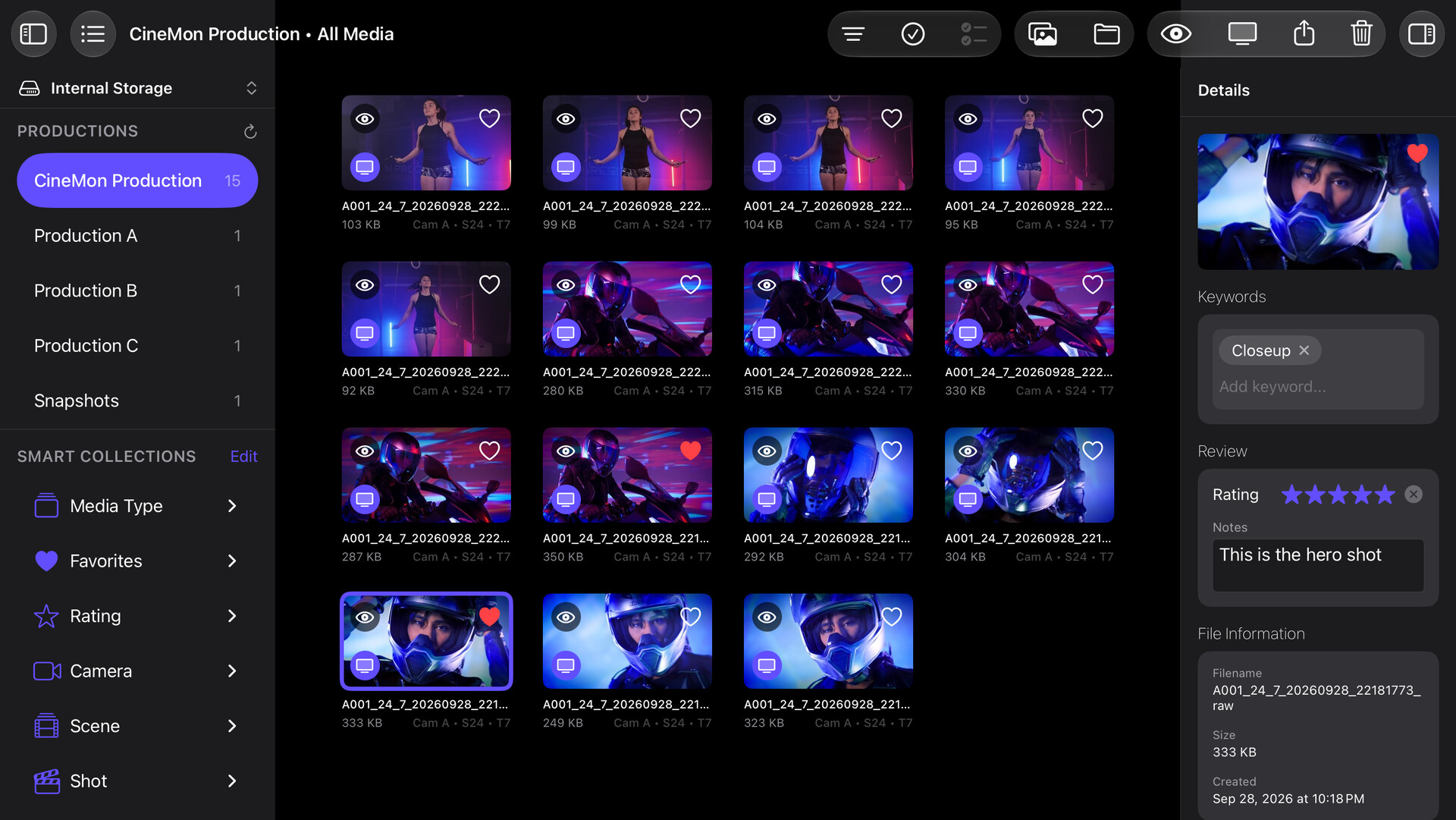
- Media library: Browse, preview, import, and organize recorded clips and snapshots.
To set up storage destinations, see Libraries. If you cannot find a capture, see Troubleshooting.